VIDEO CREATIVE WORKFLOW
Reference to Video
Guide a video brief with reference material. Accepted inputs, reference limits and model compatibility remain not yet available.
Turn inspiration into creation.
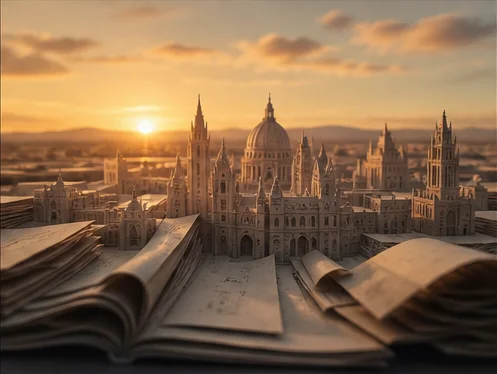
YOUR MATERIAL. YOUR DIRECTION.
Give the brief a clear starting point.
Describe the role of each reference and the scene you want to explore.
Choose an available model to see its supported inputs and generation settings.
Prepare your reference to video brief
- Start with reference images.
- Describe the change, delivery or scene you want to explore.
- Choose an available model, add supported references and review the estimate. Click Generate; after sign-in, your saved brief will submit if your inputs and Credits are ready.
Inputs and limits
Guide a video brief with reference material. Accepted inputs, reference limits and model compatibility remain not yet available. Describe the role of each reference and the scene you want to explore.
Local files are not sent to a supplier. Production formats, limits, prices and output rights will be defined separately.
Continue exploring
A LITTLE CLARITY
Know your starting point.
Which references will be accepted?
Production image, video and audio support requires confirmation for each model. This demo previews local image references.
What happens after signing in?
Your draft stays available after sign-in. If you clicked Generate, generation continues once your inputs and Credits are ready. If you need more Credits, your draft opens in Home with credit options.
Will the demo create a file?
This page prepares a draft. Generation starts only when you choose Generate in Home and uses the displayed Credits estimate.
Dream bigger. Create beyond.
Turn bold ideas into striking videos and images. Push boundaries, shape new worlds, and bring your vision to life with AI.