MODEL OPTION
Kling Image 3.0
Explore a second image direction with the existing Kling Image demo controls.
Connected option · Demo controlsThis public demo does not submit a model request.
Build a clear creation brief
Explore a second image direction with the existing Kling Image demo controls.
Use a clear subject, setting and direction. Input support, output settings and Credits will be verified for this option before production use.
Explore a compatible starting point
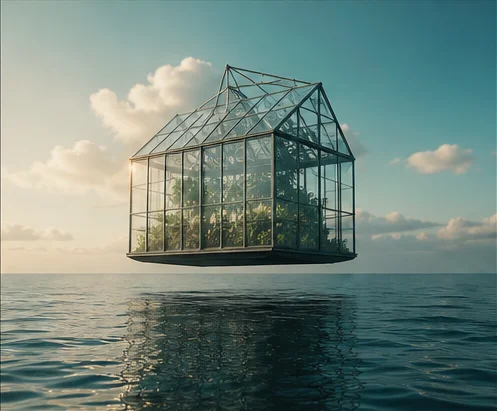
About the image on this page
This is an original concept asset for interface review. It is not a benchmark or a verified output from Kling Image 3.0.
A LITTLE CLARITY
Know your starting point.
Does a connected family include every version?
No. Family integration does not confirm every version, generation mode or production setting. Version-specific availability and Credits require separate validation.
What does (TBC) mean?
The option is included in the design, but its availability, workflow or production specification is still to be confirmed.
Are GP Video and GP Image proprietary foundation models?
The names identify GenPlenty options. This demo does not establish how the underlying models are built or supplied.
Dream bigger. Create beyond.
Turn bold ideas into striking videos and images. Push boundaries, shape new worlds, and bring your vision to life with AI.